AWS Image Builder Dynamic AMI
You know what's terrifying? Being handed a project where literally nobody knows how anything works. Not "oh, the documentation is a bit sparse" - I mean absolutely zero knowledge. That's exactly what happened when I got assigned to implement AWS Image Builder...
The Project Nobody Had Done Before
You know what's terrifying? Being handed a project where literally nobody knows how anything works. Not "oh, the documentation is a bit sparse" - I mean absolutely zero knowledge. That's exactly what happened when I got assigned to implement AWS Image Builder for dynamic AMI creation.
I still remember my first day researching this. I'm googling "AWS Image Builder production examples" and finding... nothing. Blog posts that covered the basics, AWS documentation that explained what buttons to click, but real-world implementation patterns? Might as well have been searching for unicorns.
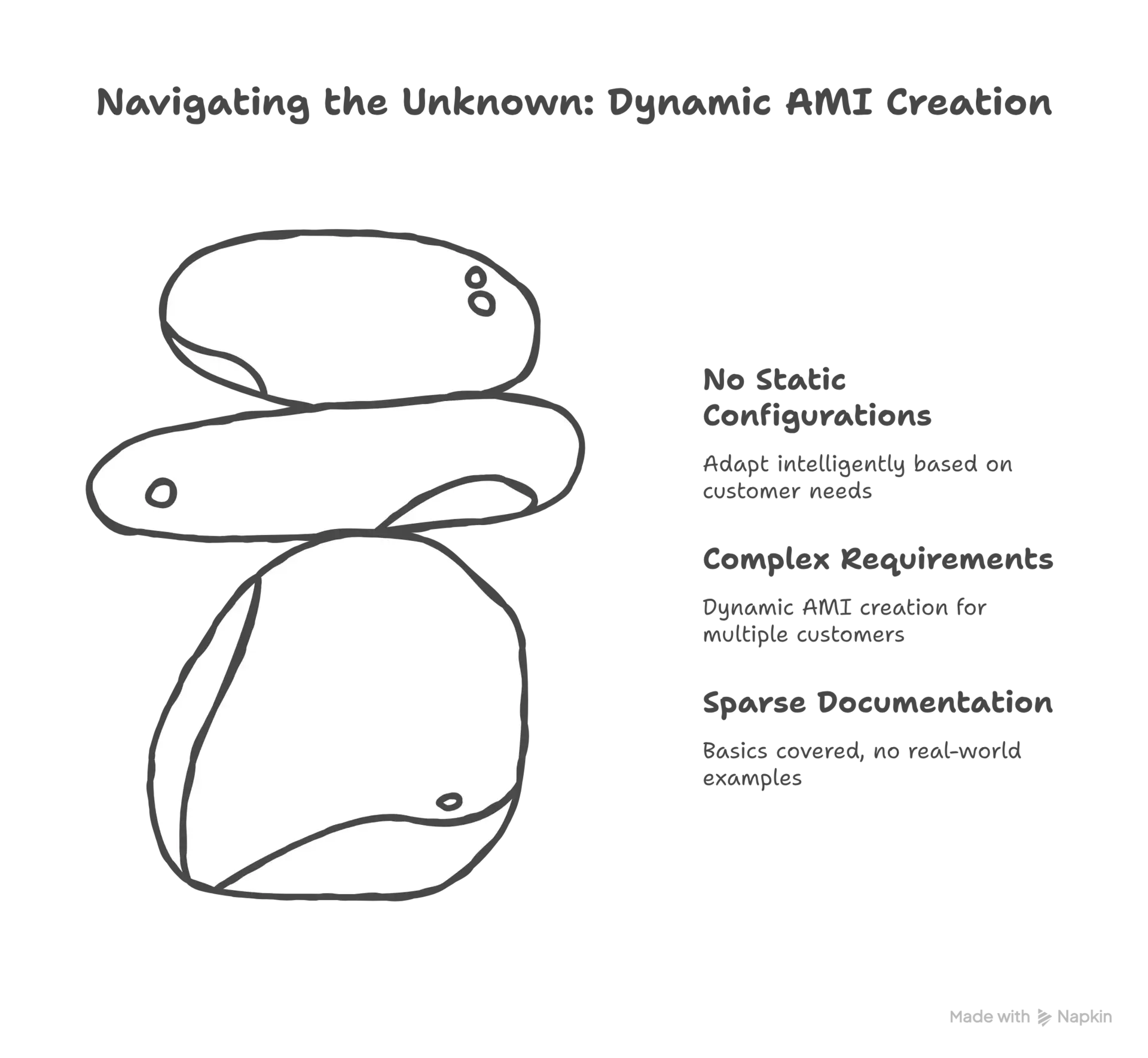
The client needed something complex too - dynamic AMI creation for multiple customers, each with their own requirements. No static configurations would work here. Everything had to adapt intelligently based on what each customer needed. And I'm sitting there thinking, "How am I supposed to build this when nobody seems to have done it before?"
.webp&w=3840&q=75)
.webp&w=3840&q=75)
The Research Rabbit Hole That Led Nowhere
I'm not exaggerating when I say we had zero idea how things worked. AWS Image Builder has these concepts - components, recipes, pipelines - that sound simple in the documentation. But trying to implement them for real business requirements? That's where things got interesting.
I spent days digging through AWS re:Invent presentation slides, hoping someone, somewhere, had talked about actually using this service in production. I found theoretical architecture diagrams, feature announcements, but nothing about how to actually build what we needed.
You know how desperate I got? I actually found the LinkedIn profile of a VP who worked on the Image Builder service at AWS and sent them a message. "Hey, we're trying to use your service for this complex use case, any guidance?" Never got a reply. Can't blame them really, but that's where we were - completely on our own.
Learning by Breaking Things
So we did what engineers do - we started experimenting. And by experimenting, I mean breaking things repeatedly until patterns started emerging.
The first thing I learned? The AWS documentation assumes you're building one AMI for one purpose. But we needed to build AMIs dynamically - different operating systems, different software configurations, different security tools, all based on runtime parameters. The service could do it, but figuring out how was like solving a puzzle where half the pieces were missing.
Components were the first breakthrough. These are reusable building blocks - install software, configure settings, run scripts. But here's what the docs don't tell you - how to make them truly dynamic. How to pass parameters that change behavior at runtime. How to handle failures gracefully when you're installing software that might not exist.
.webp&w=3840&q=75)
.webp&w=3840&q=75)
The Browser Automation Curveball
Just when I thought I understood the challenge, the client threw in a requirement that made me question my life choices. Some of their AMI configurations needed browser automation as part of the build process. Yeah, you read that right - we needed to run headless Chrome inside AWS Image Builder.
Why? Some enterprise software installations required clicking through web interfaces. No command-line options, no silent install flags - just good old-fashioned "click next to continue" interfaces. In an automated AMI build process. In the cloud.
This led to one of the weirdest technical challenges I've faced. How do you run browser automation in an environment that doesn't have a display? How do you handle dynamic wait times when pages load at different speeds? How do you debug when screenshots are your only window into what's happening?
The Component Reusability Pattern That Saved Us
Here's where Image Builder actually started to shine. Once I figured out how to make components truly reusable and parameterized, things clicked into place.
Instead of building monolithic configurations, I created small, focused components: Base OS hardening, Security tools installation, Monitoring agents, and Custom software components. Each component was designed to be independent and configurable. They could be mixed and matched like LEGO blocks to create different AMI configurations.
But making this work required understanding Image Builder at a level that documentation didn't cover. How components pass data between each other. How to handle conditional logic. How to validate that components executed successfully. All learned through trial and error.
.webp&w=3840&q=75)
The Secret Sauce: Systems Manager Integration
One thing that made our solution actually production-ready was deep integration with Systems Manager. Image Builder uses SSM under the hood, but understanding that relationship was crucial.
We used SSM Parameter Store for secure credential storage. When components needed to download software from private repositories or configure licensed products, they pulled credentials from Parameter Store. No hardcoded secrets, no configuration files with passwords.
The SSM integration also gave us detailed logging and debugging capabilities. When builds failed - and they failed a lot in the beginning - we could dive into SSM session logs to understand exactly what went wrong. This visibility was crucial when debugging browser automation running on headless instances in the cloud.
The Playbook We Wrote
After months of experimentation, we delivered a system that could dynamically create AMIs based on customer requirements, handle complex software installations including browser automation, choose optimal EBS configurations automatically, validate builds through automated testing, and provide detailed logs for debugging and compliance.
By the end of this project, we had created what I wished existed when we started - a real playbook for using Image Builder in production. Not just "click here, then here" instructions, but deep understanding of how components interact, how to build reusable patterns, how to handle edge cases.
This project proved that with persistence, systematic thinking, and a willingness to experiment, you can build production systems even when nobody's done it before. You just have to be comfortable with uncertainty and trust your engineering instincts.
That's the real satisfaction - not just solving the problem, but potentially making it easier for the next engineer who faces the same challenge. Because nobody should have to message random VPs on LinkedIn just to figure out how to use a service.
Questions People Actually Ask
You know, after sharing this project, I keep getting the same questions. So here are the real answers to the things people actually want to know.