HR & Business Process Automation
HR Timesheet Automation
You know what's the most soul-crushing part of any job? Filling out timesheets. Every. Single. Day. Logging what you did, when you did it, which project it was for, how many hours it took. It's administrative overhead that adds zero value...
The HR System from Hell
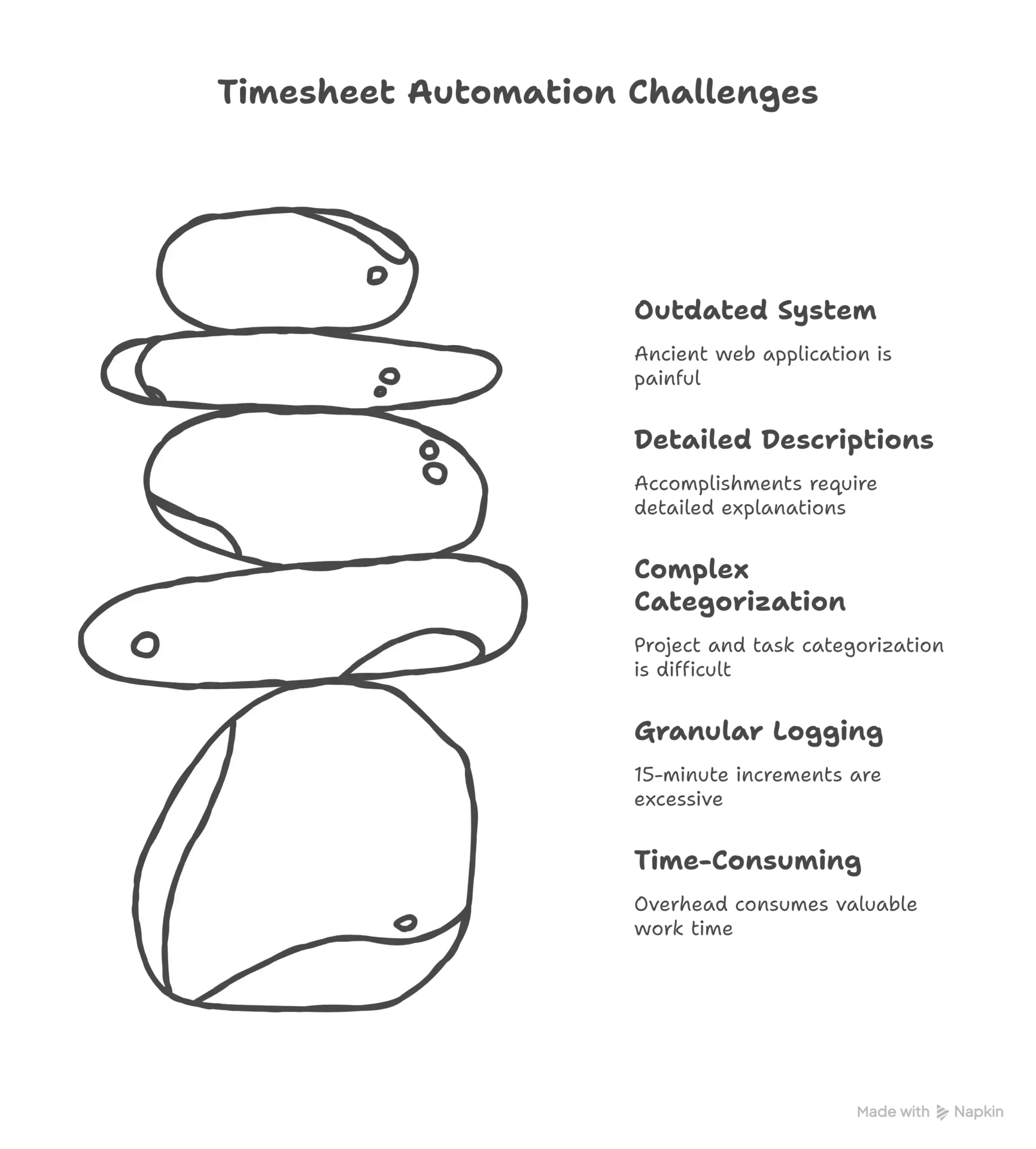
You know what's soul-crushing about corporate life? Timesheets. Every week, I had to log into our company's HR system and manually enter hours for every project, every day. The interface was from 2005, required multiple clicks per entry, and had a habit of timing out just as you finished entering a week's worth of data.
The system demanded precision but provided no tools to achieve it. You had to remember what you worked on three days ago, estimate time spent on different tasks, and categorize everything according to project codes that changed without notice. Miss the weekly deadline and face passive-aggressive emails from HR.
After months of this weekly torture, I decided to automate the entire process. What started as a simple script to fill out forms became a comprehensive time tracking and automation system that eliminated timesheet drudgery forever.
.webp&w=3840&q=75)
.webp&w=3840&q=75)
Reverse Engineering the Beast
The first challenge was understanding how the HR system actually worked. This wasn't documented anywhere - I had to reverse engineer the web interface by monitoring network traffic, analyzing form submissions, and understanding the authentication flow.
I discovered the system used session-based authentication with CSRF tokens, had specific validation rules for time entries, and required data in exact formats. The backend was surprisingly sophisticated despite the terrible UI - it had proper validation, audit trails, and integration with payroll systems.
The breakthrough came when I realized I could bypass most of the UI complexity by directly submitting HTTP requests to the backend endpoints. This was much faster and more reliable than browser automation, though it required understanding the API contracts that weren't documented anywhere.
Intelligent Time Tracking and Pattern Recognition
Simply automating form submission wasn't enough - I needed accurate time data to submit. I built a comprehensive time tracking system that monitored my computer activity, analyzed patterns, and automatically categorized work into the appropriate project codes.
The system tracked active applications, window titles, file paths, and keyboard/mouse activity to understand what I was working on. It used machine learning to recognize patterns - when I was in VS Code working on files in a specific directory, it knew which project that represented.
I integrated it with calendar data, email analysis, and even Slack activity to get a complete picture of how time was spent. The goal wasn't surveillance - it was creating accurate, objective data about work patterns that could be automatically translated into timesheet entries.
.webp&w=3840&q=75)
.webp&w=3840&q=75)
Smart Categorization and Confidence Scoring
The most sophisticated part of the system was automatic categorization. I built a rule engine that could map activities to project codes and task types based on various signals: File paths and repository names indicated which project I was working on, commit messages and file types suggested the type of work, calendar events provided context about meetings and project phases.
The engine used fuzzy matching to handle variations in how I described similar work. If I had previously categorized "fixing login bug" as DEV-IMPL-CORE, it would automatically categorize "resolving authentication issue" the same way.
I also implemented confidence scoring. When the system was confident about categorization (based on clear patterns), it would auto-submit entries. When confidence was low, it would flag entries for manual review before submission.
The Daily Workflow That Actually Worked
The final system created a completely hands-off daily workflow: Throughout the day, the activity monitor silently tracked my work. At 4 PM, the system would analyze the day's activities and generate timesheet entries. High-confidence entries were automatically submitted, low-confidence entries were flagged for quick review.
The review process was streamlined - instead of filling out forms from scratch, I just needed to approve or adjust pre-filled entries. What used to take 15 minutes of manual work became a 2-minute review process.
The system also learned from corrections. When I adjusted an automatically generated entry, it would update its patterns to make better predictions in the future.
.webp&w=3840&q=75)
What This Automation Actually Achieved
The practical impact was immediate and significant: Daily timesheet overhead dropped from 15 minutes to 2 minutes, accuracy improved because entries were based on actual activity, consistency improved because categorization rules were applied uniformly, and stress decreased because I never had to worry about missing timesheet deadlines.
But the broader impact was more interesting. The activity tracking data became valuable for personal productivity analysis. I could see patterns in my work habits, identify time drains, and optimize my daily schedule.
The system also provided objective data for performance reviews and project planning. Instead of guessing how much time tasks took, I had precise measurements that could inform future estimates.
Why This Project Matters Beyond Timesheets
While the immediate goal was eliminating timesheet drudgery, the project had broader implications for how I think about workplace productivity and automation. It proved that many administrative tasks that feel necessary are actually just artifacts of poor system design.
The technical skills I developed - web scraping, pattern recognition, workflow automation - have been valuable in many professional contexts. The ability to automate repetitive tasks and integrate disparate systems is increasingly important in modern work environments.
Looking back, this project exemplifies the best kind of personal automation - it solved a real problem, saved significant time, and taught valuable technical skills. More importantly, it demonstrated that with the right tools and approach, you can eliminate the administrative overhead that prevents you from focusing on actual work.
That's the power of thoughtful automation - it doesn't just save time, it reclaims mental energy for the work that actually matters.
Questions People Actually Ask
You know, after sharing this project, I keep getting the same questions. So here are the real answers to the things people actually want to know.