Network Tools & System Administration
Network Clipboard Share
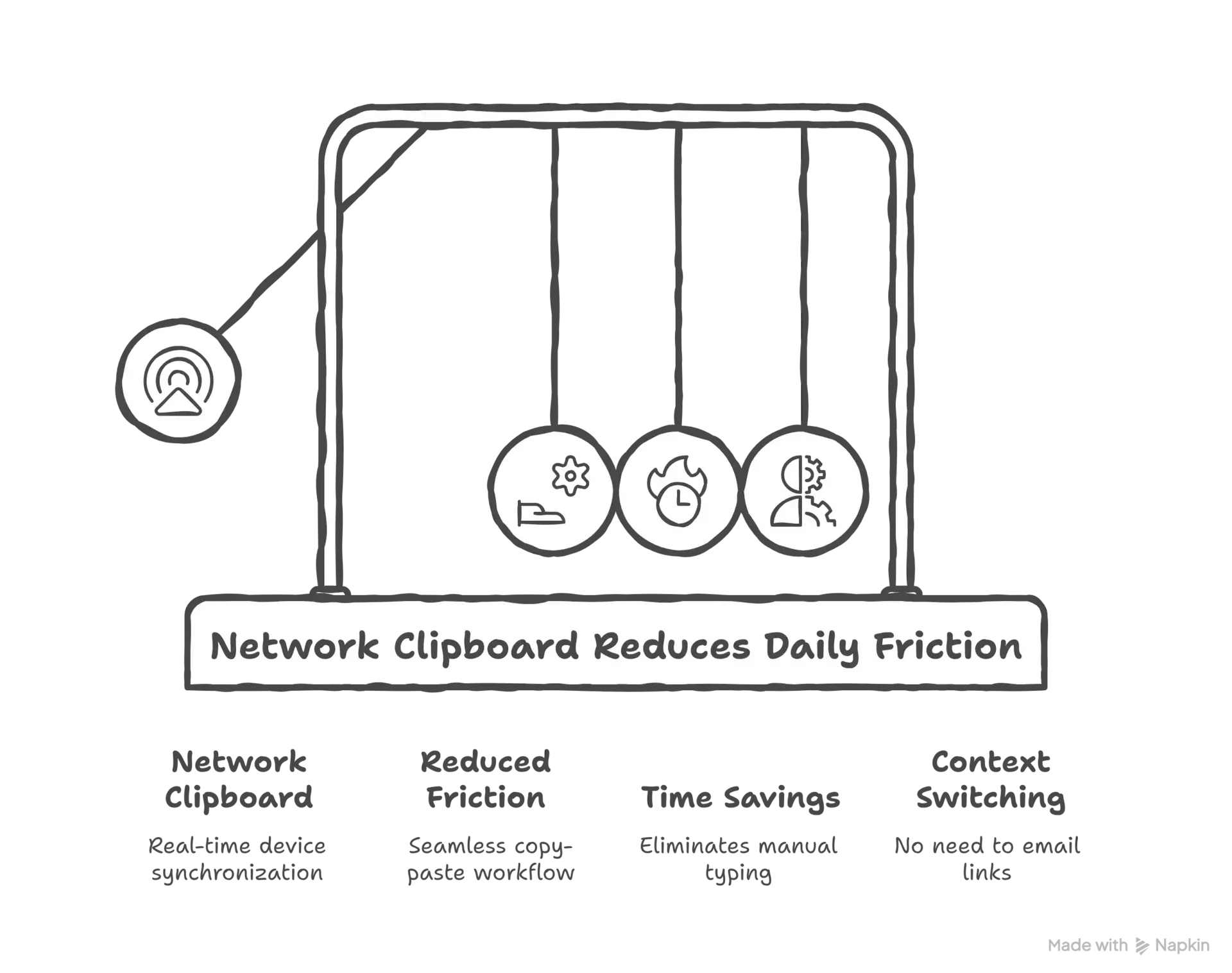
You know what's incredibly frustrating when you're working across multiple devices? The clipboard. You copy something on your laptop, walk over to your desktop, and... nope, it's not there. You copy a URL on your phone, sit down at your computer, and have to manually type it out...
The Daily Friction That Drove Me Crazy
You know what's incredibly frustrating when you're working across multiple devices? The clipboard. You copy something on your laptop, walk over to your desktop, and... nope, it's not there. You copy a URL on your phone, sit down at your computer, and have to manually type it out or email it to yourself.
I got tired of this constant friction, so I built a network clipboard sharing system that keeps clipboards synchronized across all my devices in real-time. What seemed like a simple utility project turned into a fascinating exploration of real-time synchronization, cross-platform development, and network security.
Picture my typical workflow: I'm researching something on my phone during lunch, find a useful article, and want to reference it when I get back to my computer. The "normal" solution is to email the link to myself, or save it in notes, or use some cloud service. All of these require multiple steps and context switching.
.webp&w=3840&q=75)
.webp&w=3840&q=75)
The Technical Challenge of Cross-Platform Clipboard Access
Building a network clipboard sounds simple until you start implementing it. Every operating system handles clipboard access differently, and each has its own security restrictions and API quirks.
On Windows, you use the Win32 API to monitor clipboard changes and access clipboard data. On macOS, it's the NSPasteboard API. On Linux, you're dealing with X11 or Wayland clipboard protocols. Mobile platforms add another layer of complexity with their sandboxed clipboard access.
I needed a solution that could work consistently across all these platforms while respecting each platform's security model. This meant building platform-specific clipboard interfaces with a common abstraction layer on top.
Real-Time Synchronization Without Conflicts
Once I could access clipboards on different platforms, I needed to synchronize them across the network. But clipboard synchronization has unique challenges that don't exist in typical data sync scenarios.
Clipboards change frequently and unpredictably. Users copy and paste constantly, often without thinking about it. The system needed to propagate changes instantly without creating feedback loops or conflicts.
The biggest challenge was preventing synchronization loops. If Device A copies something and sends it to Device B, Device B shouldn't immediately send it back to Device A as a "new" clipboard change. I implemented a change tracking system that could distinguish between local clipboard changes and remote updates.
.webp&w=3840&q=75)
.webp&w=3840&q=75)
Building the Network Protocol
I designed a custom protocol for clipboard synchronization that could handle the unique requirements: Low latency for real-time synchronization, efficient encoding for different data types (text, images, files), conflict resolution for simultaneous changes, and security for sensitive clipboard data.
The protocol used WebSockets for real-time communication with a simple message format. Each clipboard change generated a message with a timestamp, device identifier, data type, and the actual clipboard content.
But clipboard data isn't just text. People copy images, files, rich text with formatting, and other complex data types. The protocol needed to handle all these efficiently while maintaining cross-platform compatibility.
Security and Privacy Considerations
Clipboard data is often sensitive - passwords, personal information, confidential documents. A network clipboard system needed robust security to prevent data exposure.
I implemented end-to-end encryption for all clipboard data. Each device generated a unique encryption key, and all clipboard synchronization was encrypted before transmission. Even if someone intercepted network traffic, they couldn't access the actual clipboard content.
Privacy was another concern. The system was designed to work entirely on the local network without any cloud services or external dependencies. Clipboard data never left the user's network, ensuring complete privacy control.
.webp&w=3840&q=75)
Cross-Platform Client Development
Building clients for multiple platforms required different approaches for each: Windows (Native C++ application using Win32 APIs), macOS (Swift application using Cocoa frameworks), Linux (Python application using X11/Wayland bindings), iOS (Swift app with clipboard monitoring), and Android (Kotlin app with accessibility service).
Each platform had unique constraints and capabilities. iOS, for example, severely restricts background clipboard monitoring, so the iOS client worked differently than desktop versions.
The clients all implemented the same core protocol but adapted to platform-specific user interface conventions. The Windows client lived in the system tray, the macOS version used the menu bar, and mobile apps had simple interfaces for manual synchronization when automatic monitoring wasn't possible.
Why Personal Projects Like This Matter
This project exemplifies the value of building tools for problems you actually face. The motivation was genuine daily friction, so the solution addressed real needs rather than theoretical problems.
The technical challenges - cross-platform development, real-time synchronization, network protocols, security - were all valuable learning experiences that applied to professional work. But more importantly, the project solved a real problem and improved daily productivity.
Looking back, this "simple" clipboard sharing tool became one of my most practically useful projects. It demonstrated that sometimes the best software comes from eliminating small daily frictions that everyone accepts as normal.
That's the power of personal projects - they let you build exactly what you need, learn valuable technical skills, and create something that genuinely improves your daily life.
Questions People Actually Ask
You know, after sharing this project, I keep getting the same questions. So here are the real answers to the things people actually want to know.